Use Gaja Now & Unlock the Benefits of Every Gaja Feature
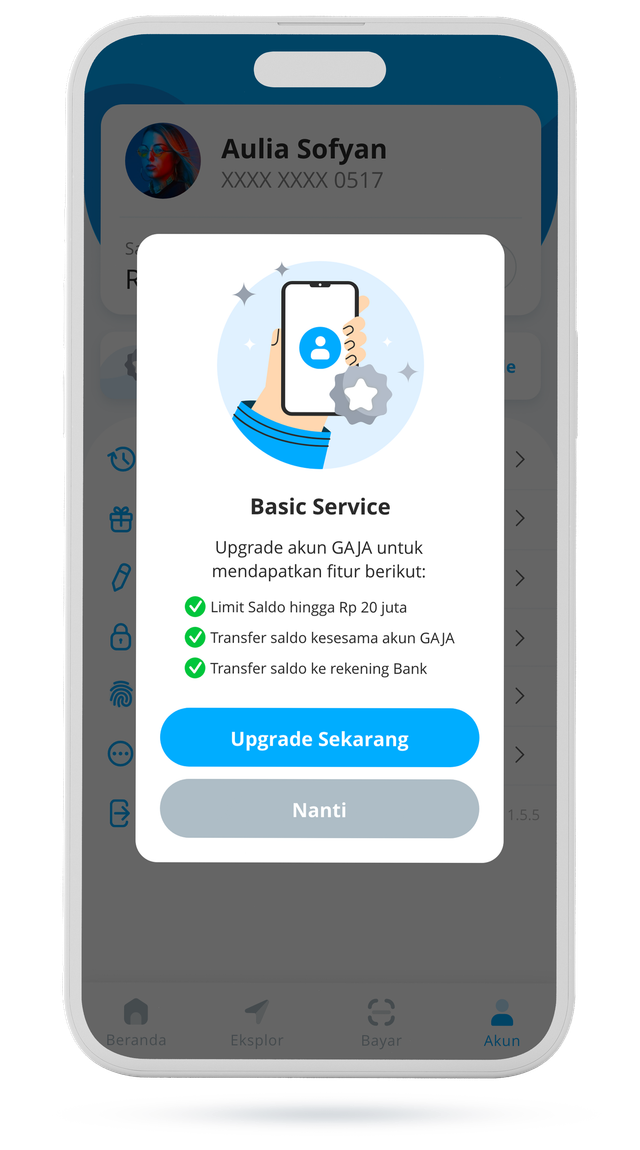
Upgrade to a Premium Account Easily
- 1Open the Gaja App
- 2Tap the 'Account' icon at the bottom right of your screen
- 3Tap the 'Upgrade to full service now' banner
- 4Prepare a photo of your identity card
- 5Take a selfie holding your identity card
- 6Fill in and complete the form with accurate information
- 7Add your bank account details for fund disbursement
- 8Submit a photo of your digital signature
- 9Your Gaja premium account has been successfully verified!
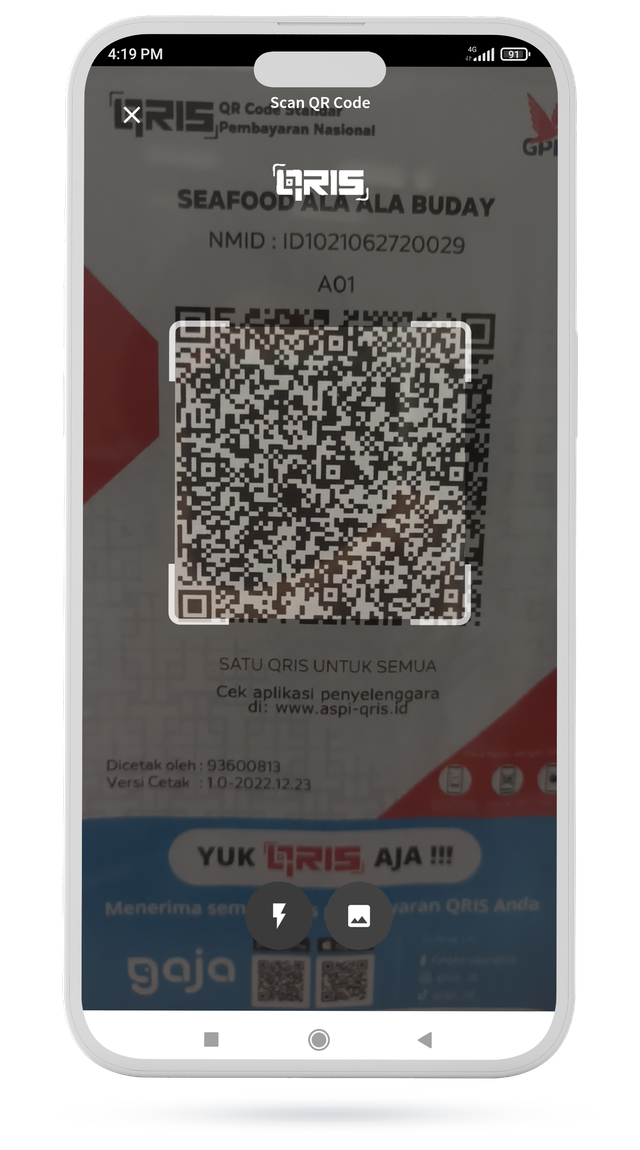
Pay for Anything with Gaja
- 1Open the Gaja App
- 2Tap the pay icon at the bottom center of your screen
- 3Scan the QRIS code available at various merchants
- 4Your payment has been completed successfully!
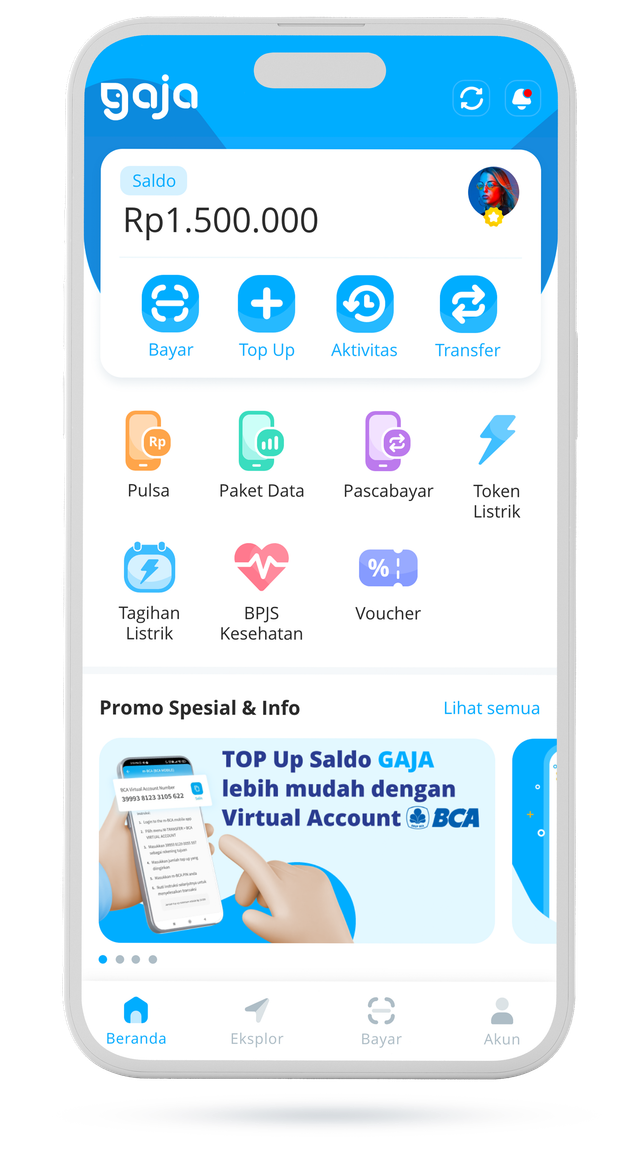
Pay Any Bill with Gaja
- 1Open the Gaja App
- 2You'll find a variety of bill payment options right on the home screen
- 3Select the type of bill you want to pay
- 4Your bill has been paid successfully!
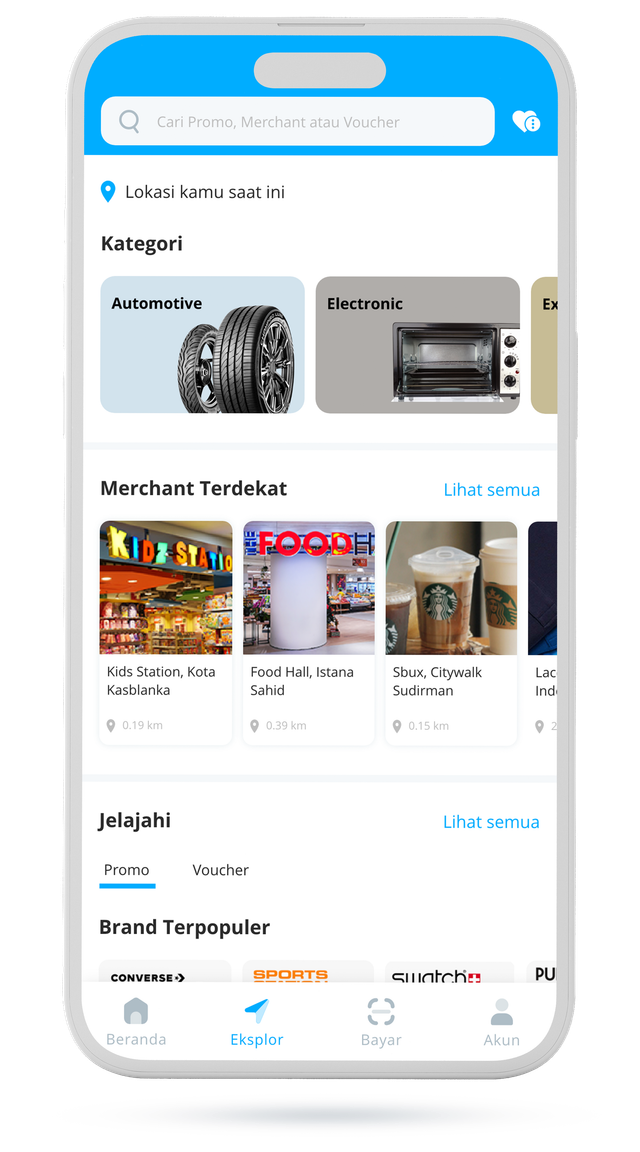
Exclusive Promos from Gaja Merchant Partners
- 1Open the Gaja App
- 2Tap the 'Explore' icon at the bottom of your screen
- 3Scroll and enjoy exclusive promos from Gaja merchant partners